n8n Agency Berlin, workflows that run themselves, without the vendor lock-in
If your team is still doing the same manual tasks every week, copying data between tools, sending the same emails, chasing the same reports, there’s usually a cleaner way. I set up n8n and Make automations for Berlin businesses and clients across the DACH region: self-hosted where it matters, DSGVO-friendly by default, and built around the tools you already use.
30 minutes, no pitch. I’ll take a look at your current setup and tell you honestly what’s worth automating.
A proper n8n agency Berlin setup, from first workflow to ongoing support
Every automation project covers the same ground: clean setup, real integrations, and documentation you can hand to someone else. No half-finished flows, no black-box logic.
- n8n or Make setup. I work with both tools and will recommend whichever fits your situation. n8n is often the better choice when data sovereignty or cost at scale matters; Make suits teams that want a faster start with less infrastructure overhead.
- Self-hosted, DSGVO-friendly option, for clients who need data to stay in Germany or the EU, I set up self-hosted n8n on your own server or a European cloud provider. No data leaving your infrastructure unless you choose otherwise.
- Connect the tools you already use, CRMs, email platforms, Google Workspace, Slack, accounting software, e-commerce systems, custom APIs. I map out what you have and build flows that link them reliably.
- Common automations, invoice generation and delivery, CRM syncs, weekly or monthly reporting, lead routing and notification, onboarding sequences, and anything repetitive your team does manually today.
- Monitoring & error handling, flows that silently fail are often worse than no automation at all. Every setup includes basic alerting so you know when something breaks, not weeks later.
- Documentation & handover, written notes on what each flow does, how to adjust it, and what to check if something stops working. You shouldn’t need me every time you want to change a detail.
- Ongoing support, optional, but available. As your tools or processes change, I can update flows, add new ones, or troubleshoot anything that drifts. No retainer required, ad hoc works fine too.
Three clear steps, from first call to live workflows
Audit
We go through your current tools and processes together. I look at what you’re doing manually, what already connects, and where automation would actually save time or reduce errors.
Build
I build the agreed workflows, test them thoroughly, and handle the edge cases. You get to see things working before anything goes live.
Handover
Once live, I walk you through everything and leave you with documentation. If you want ongoing support, that’s available, but the goal is that you’re not dependent on me for day-to-day use.
A few projects where automation was part of the picture
A small selection, honest examples rather than inflated numbers.
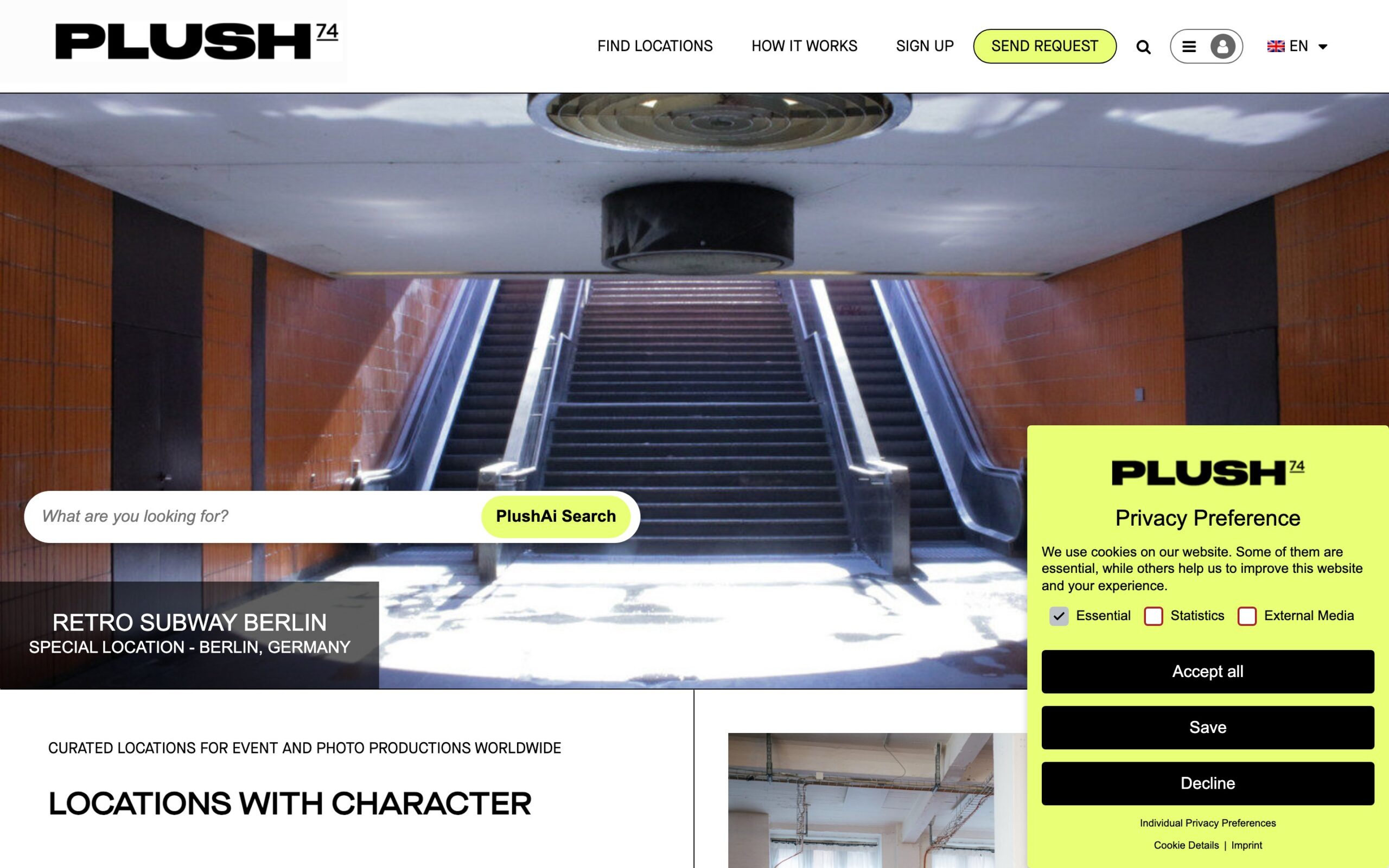
Plush74
Rebuilt and optimised a multilingual location-scouting platform connecting producers with venues across Europe.
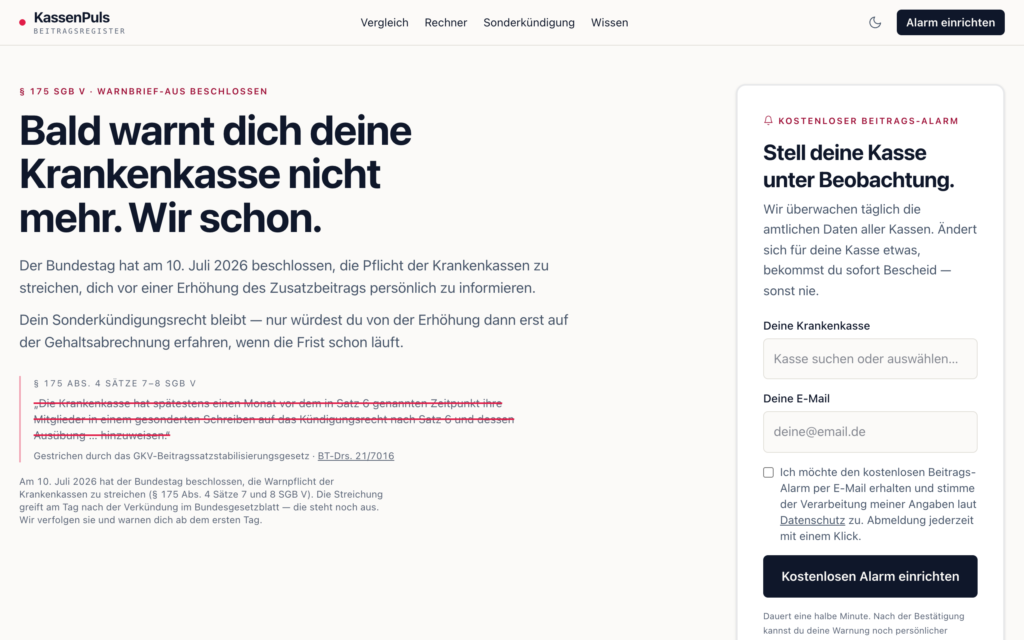
KassenPuls
A monitoring tool I built end to end: it checks every German statutory health insurer daily and emails members the moment their fund raises its contribution.
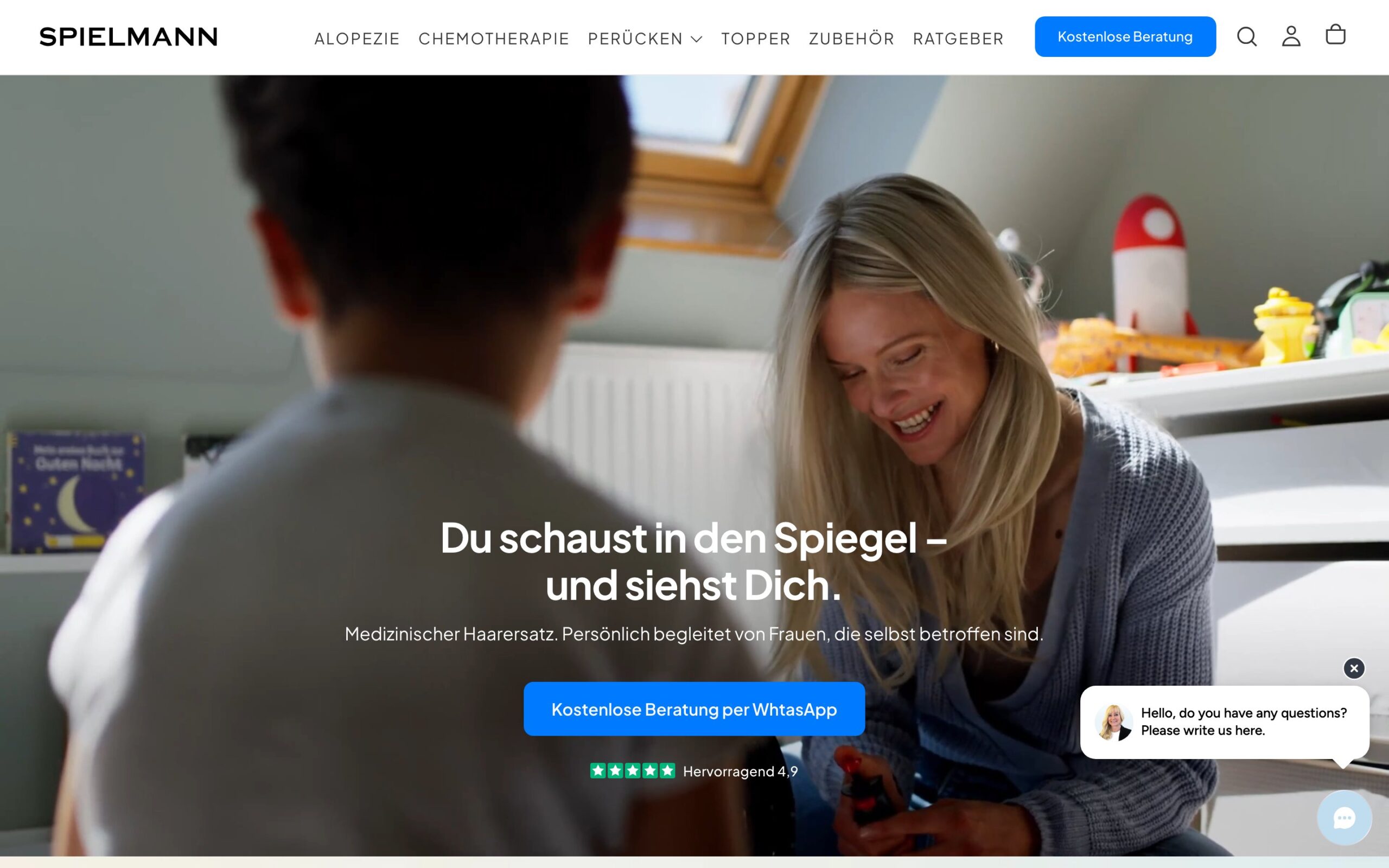
Spielmann
A full digital rebuild for a Berlin studio, new site, SEO foundation, and Google Ads working together.
Automation projects are scoped and priced upfront. You know what’s included before work begins. Smaller, focused builds start from €1,000; larger or multi-system projects are quoted individually. Ongoing support is available separately if you need it.
n8n Agency Berlin, FAQ
Not sure what your site needs? Get a complete SEO action plan.
A senior SEO reviews your website personally and writes a prioritised, do-it-yourself plan for your exact site, SEO, Google, analytics and ads. Delivered in 1–2 days, money-back guarantee.
Ready to get some of those repetitive tasks off your team’s plate?
Book a free 30-minute call. I’ll look at your current setup and tell you what’s realistic to automate, whether or not we end up working together.
Book a free call →Straight answers, no hard sell.
Reviewed on Google
Before we started working with Eric and his Team, we were invisible. Google Page 7, zero organic search leads. Thats 6 Years ago. We are now fully working on our organic search content. We are ROCC Film, a film production company in Berlin. Search, if you like. You will find us. ;) Besides that success, Eric is fun to work with … Read the full review on Google
Eric is highly knowledgeable, takes a data-driven and practical approach, and is extremely responsive and easy to work with. We hired Eric to ensure the SEO part of a large custom development project went smoothly. The client had their own, high-priced SEO agency, yet Eric's proposals were often better aligned with current SEO … Read the full review on Google
Eric ran an SEO audit for my site and delivered well beyond what I had asked for. The analysis was thorough, clearly structured, and immediately actionable. He took the time to explain the reasoning behind each finding, and also offered that I can come back to him if I have further questions, I appreciate that. Communication … Read the full review on Google
Eric did outstanding SEO work for us on two projects, revamping our own company website and handling the SEO for a large car marketplace migration for one of our clients. Our site now brings in more traffic and leads, and our client's site not only kept its rankings through the migration but improved them. Amazing work … Read the full review on Google
Can highly recommend Eric's work. He did a complete overhaul of the backend of our Shopify website, improving our SEO, site speed, and overall performance. Professional, knowledgeable, and great to work with!
Eric helped me a lot with my blog PocketSquareGarden, clearly improving its SEO. He got started straight away, and within just one month there was clear progress in the search results and in the visibility of my ads. Working together was uncomplicated, fast and very pleasant. I can definitely recommend Eric.Translated from German
Eric is the best! He really helped us to improve our ranking on Google and to be more visible for AI. He's also very easygoing and chill. Highly recommend!
Eric took the time to really understand our family-run Wolf Valley Guest Ranch and what makes us unique. He then worked his magic, helping us reach the right guests while building meaningful outreach. We truly appreciated his understanding, creativity, and personal approach. Highly recommend Eric! Ben, Wolf Valley Guest Ranch … Read the full review on Google
Eric has built and optimised several websites for me, which is why I have also been happy to recommend him to people I know. Eric is not only very likeable, he also grasps how things fit together very quickly, even when it is a website from a completely different industry, SEO included. Mechanical engineering, for example. That … Read the full review on GoogleTranslated from German
Having worked together on multiple projects over the years, I can confidently say they consistently deliver exceptional results. Honest, reliable, and straight to the point! A top partner!
Eric is so professional and easy to work with. He answered any questions we had so quickly and couldn't have been more helpful. I can't wait to work with him again in the future!
Eric ran SEO and marketing functions for our DeFi project. Conscientious, capable, clever. Five stars ⭐⭐🌟⭐⭐